
Notes and Inline Tags Are Now Live in the OwnJournal Web App
Table of contents
OwnJournal now has a separate Notes space and inline #tag support in the web app. Notes provide a home for writing that does not belong to a particular day, while inline tags let you organise both notes and journal entries without leaving the editor. The update also makes the home screen quieter and adds a small browser-storage reliability improvement.
Availability on 24 July 2026: these changes are live in version 1.0.26 of the OwnJournal web app. The public App Store and Google Play listings still show version 1.0.25, so the mobile store builds do not yet include everything described here.
Before using Notes with mobile sync: if you use the same synced journal in a mobile app, we recommend waiting to create Notes until a mobile update with Notes support is available. Version 1.0.25 does not recognise the new note type. A note created on the web can appear there as a dated, neutral-mood journal entry, affect the timeline and statistics, and lose its note designation if it is edited on mobile. Regular journal entries and tags are not affected by this compatibility note.
A Separate Place for Writing Without a Date
A journal entry belongs to a day. A reading list, a draft, a collection of ideas, or a note you plan to revisit often may not. The new Journal and Notes switch keeps those two kinds of writing close without treating them as the same thing.
A note can have an optional title, a Markdown-formatted body, and tags. Notes are ordered by when they were last updated, and the Notes view can search across titles, text, and tags. That makes the space useful for material you want to keep finding and refining rather than placing at a particular point on your timeline.
Notes are deliberately excluded from the journal timeline, mood statistics, activity insights, and Trend Analysis. Adding a checklist or a long-lived reference note therefore does not distort the record of how you felt or what you did on a given day.
Inline Tags Keep Organisation Inside the Editor
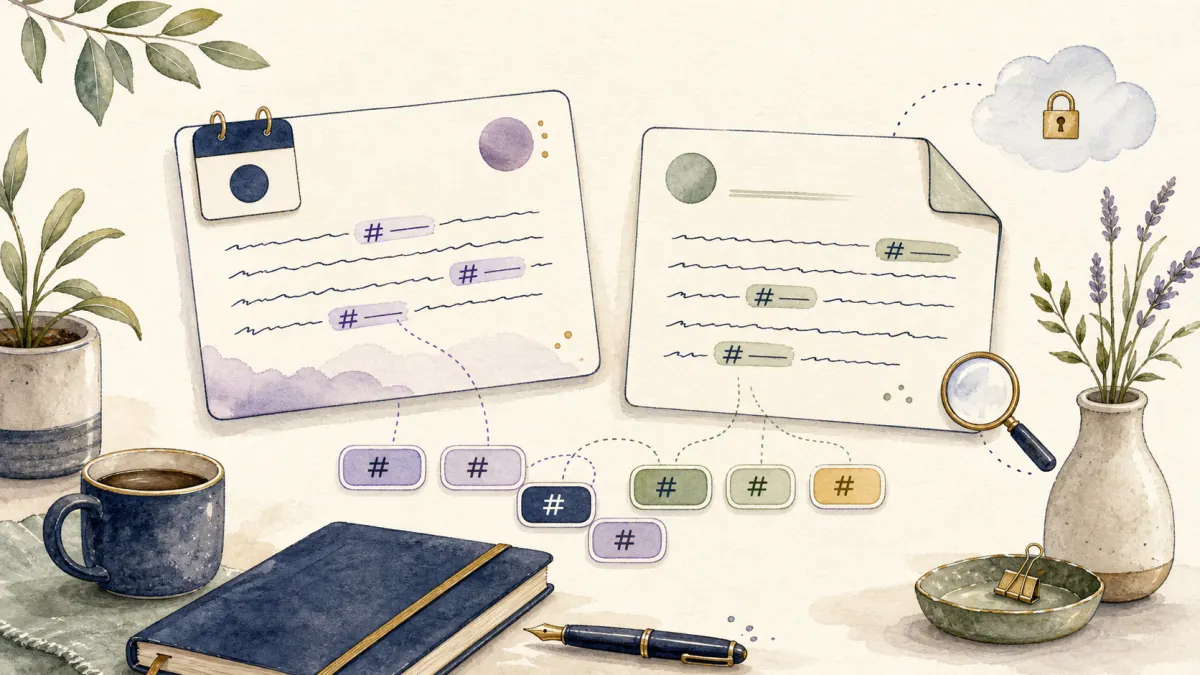
You can now type a tag such as #books or #project directly in the body of a journal entry or note. As you type, OwnJournal suggests matching tags you have used before. When you save, inline tags are added to the same tag list used by filters and search, without duplicating an existing tag.
The parser is intentionally narrow. Markdown headings, fragments inside web addresses, and text inside code blocks are not mistaken for tags. Tags containing spaces still belong in the regular tag field, because an inline tag ends at the first space.
This is an organisational shortcut, not a new publishing format. Inline tags remain part of your private text, and the familiar tag chips continue to show which labels are attached to an entry or note.
Notes Follow the Same Storage and Encryption Choices
Notes travel through the same offline-first storage and cloud-sync path as journal entries. If optional end-to-end encryption is enabled for your journal, notes use that encryption path as well before they are synced. If it is not enabled, they follow the same unencrypted storage mode you already selected for entries.
The distinction matters: Notes do not introduce a second OwnJournal content store or a separate notes account. They remain part of the same journal data that you control. Our explanation of who can read your digital journal covers the roles of your device, chosen cloud provider, and optional encryption in more detail.
Existing journal entries and tags do not need to be moved or converted. The update adds a note content type while leaving the existing journal view and its date-based records intact.
A Quieter Home Screen
Free accounts previously saw the full Plus panel on the home screen whenever they opened OwnJournal. It is now reduced to a compact Free Plan row and expands only when opened. On the web, the Trend Analysis setup card also starts collapsed for free accounts, while it stays ready to use for Plus accounts that have not run an analysis yet.
This change does not remove or reclassify any feature. It simply gives writing more room and keeps subscription information available without allowing it to dominate the page. A related startup fix also prevents Plus members from briefly seeing the free-plan state while their saved subscription status is loading.
A Small Browser-Storage Reliability Improvement
The web app now asks supporting browsers for persistent local storage during startup. When the browser grants that request, OwnJournal's local cache and settings are less likely to be removed automatically under storage pressure. The request is best-effort: browsers make the final decision, so it is not a guarantee against local data removal.
This complements, but does not replace, cloud sync. The distinction between a local working copy and your chosen cloud storage is explained in our guide to storing a journal safely in the cloud.
Why We Are Sharing the Details
The Notes implementation, inline-tag parser, storage changes, and interface work are visible in the public repository. The main feature was developed in pull request 26, with the quieter plan and Trend Analysis surfaces following in pull requests 27 through 29.
That visibility is part of the reason OwnJournal is open source: product announcements can point to inspectable code instead of asking readers to rely on a feature list alone.
In the web app, the Journal and Notes switch is now above the main writing area. Your existing entries and tags remain where they were; no migration step is required. If you also use OwnJournal on mobile, keep the compatibility note above in mind until the mobile apps gain Notes support.