
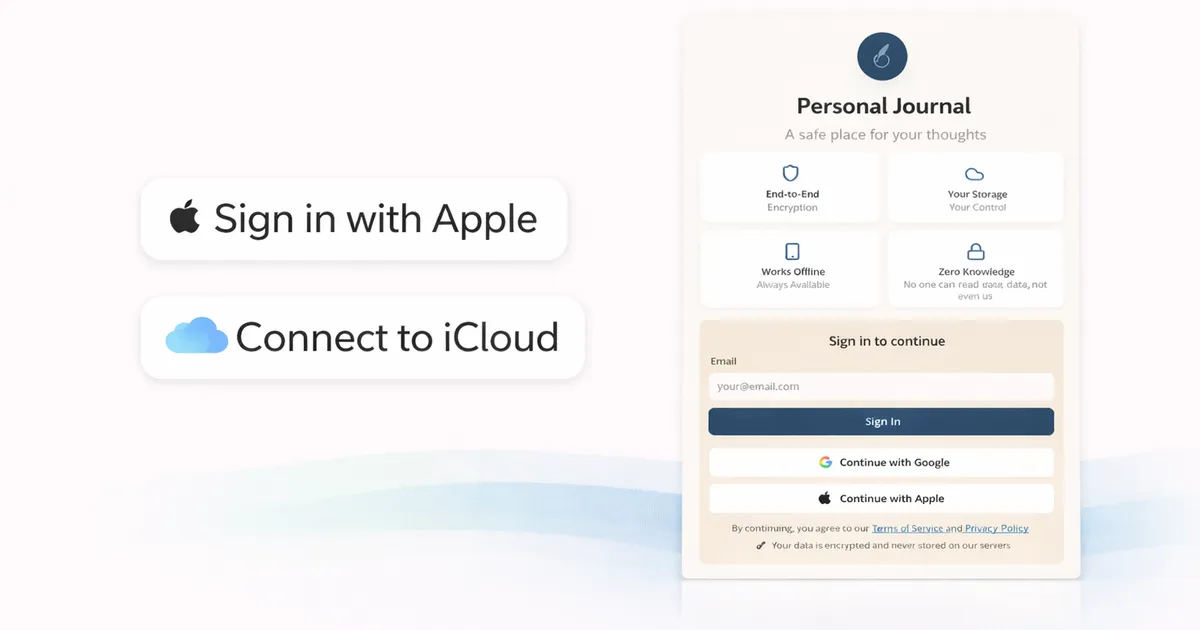
OwnJournal Now Supports Apple Sign In and iCloud Storage
Table of contents
OwnJournal now supports Sign in with Apple and iCloud as a storage option for your journal. Both are available today in the web app. Here is what that means and how to set it up.
Sign In With Apple
If you have an Apple ID, you can now use it to sign in to OwnJournal — no separate email and password required.
Sign in with Apple works alongside the existing login options. You can still sign in with Google or email. This is simply a new option for people who prefer to keep their accounts consolidated under their Apple ID, or who want Apple's built-in privacy protections when signing up for new services.
Apple's implementation hides your real email address by default and does not share your data with third parties — which fits naturally with what OwnJournal is built around.
To use it: visit app.ownjournal.app, choose Sign in with Apple, and follow the prompt. If you are creating a new account, that is all there is to it.
iCloud Storage via CloudKit
The bigger addition for Apple users is iCloud as a storage destination for your journal entries.
OwnJournal has always worked by storing your entries in your own cloud storage — Google Drive, Dropbox, or Nextcloud — rather than on OwnJournal's servers. That is the core of how the app works: your writing belongs to you, in an account you control, and OwnJournal never holds it.
iCloud now joins that list. When you connect iCloud, your journal entries are stored in your personal CloudKit container — Apple's infrastructure for app data tied to your Apple ID. OwnJournal writes to it. OwnJournal does not store, copy, or have ongoing access to your entries.
For anyone already living in the Apple ecosystem — iPhone, Mac, iPad — this is likely the most natural fit. Your journal sits where the rest of your personal files sit.
How to Connect iCloud as Your Storage
- Sign in to OwnJournal at app.ownjournal.app
- Go to Settings → Storage
- Select iCloud and follow the connection prompt
If you are an existing user with entries in Google Drive or Dropbox, your current storage continues to work exactly as before. Switching to iCloud is optional.
Why This Matters
Most journaling apps store your entries on their own servers. That means the company holds your writing, can access it under their terms of service, and is responsible for keeping it secure.
OwnJournal works differently: your entries go directly into your personal cloud storage. With Google Drive, Dropbox, Nextcloud, and now iCloud all supported, most people have at least one option that fits how they already work.
The short version: your journal, your account, your storage. That has always been the point — this update extends it to the Apple ecosystem.
Already using OwnJournal with Google Drive, Dropbox, or Nextcloud? Nothing changes on your end — but iCloud is there if you want it.